Microsoft Edge Introduces Long-Awaited Feature for Mobile Users
Microsoft Edge Introduces Long-Awaited Feature for Mobile Users
Microsoft has updated its Edge browser for Android and iOS, allowing users to move the address bar to the bottom of the screen—a feature long requested by former Windows Phone enthusiasts. This change enhances one-handed navigation by positioning key controls within easier reach.
To enable this feature, users can navigate to the settings cog in Microsoft Edge, select "Appearance," and scroll to the "Address bar" section. Here, they can choose between placing the address bar at the top or bottom of the interface. If the option isn't visible, it can be activated by adjusting specific browser flags:
- Type
edge://flags/into the Edge address bar and press enter. - Search for "EdgeToEdgeBottomChin" and set it to "Enabled."
- Search for "Enable bottom Omnibox" and set it to "Enabled."
- Restart the browser to apply the changes.
This update addresses a common usability concern, as placing the address bar at the bottom makes it more accessible for users operating their devices with one hand. Competing browsers like Samsung's Internet Browser have offered similar customization options, and Microsoft’s adoption of this feature demonstrates its commitment to enhancing user experience based on feedback.
More like this
-
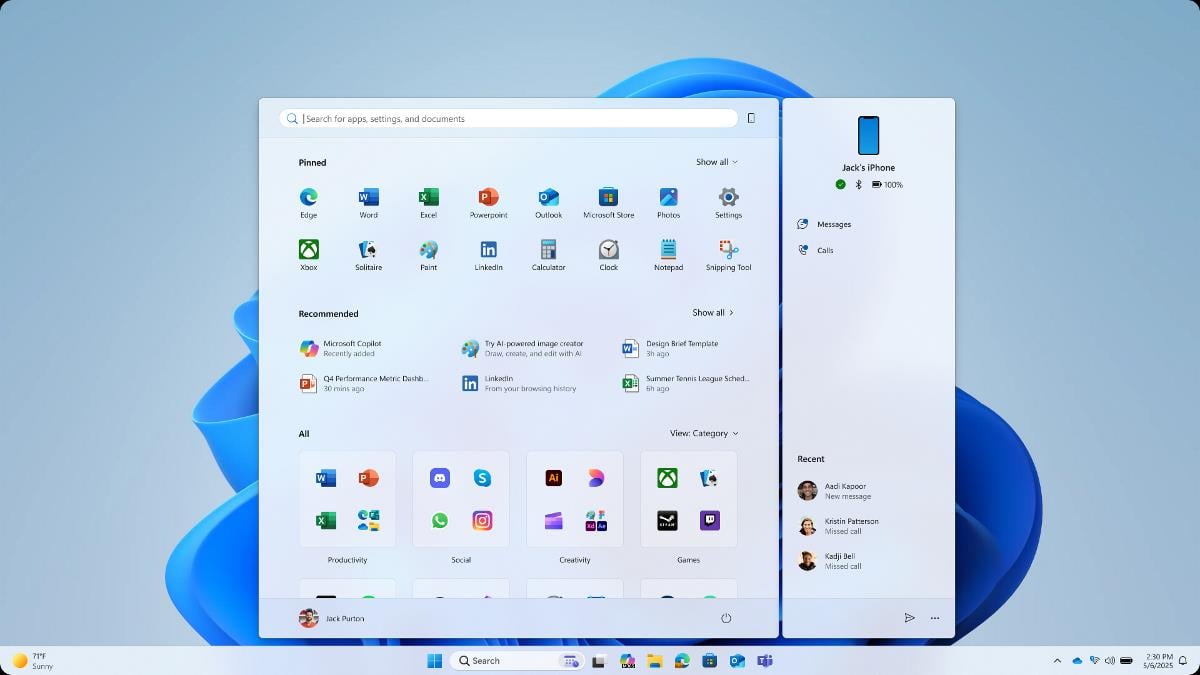
Carrot and Stick: After good Windows 11 Start Menu news comes the bad
 Carrot and Stick: After good Windows 11 Start Menu news comes the badRead more
 -
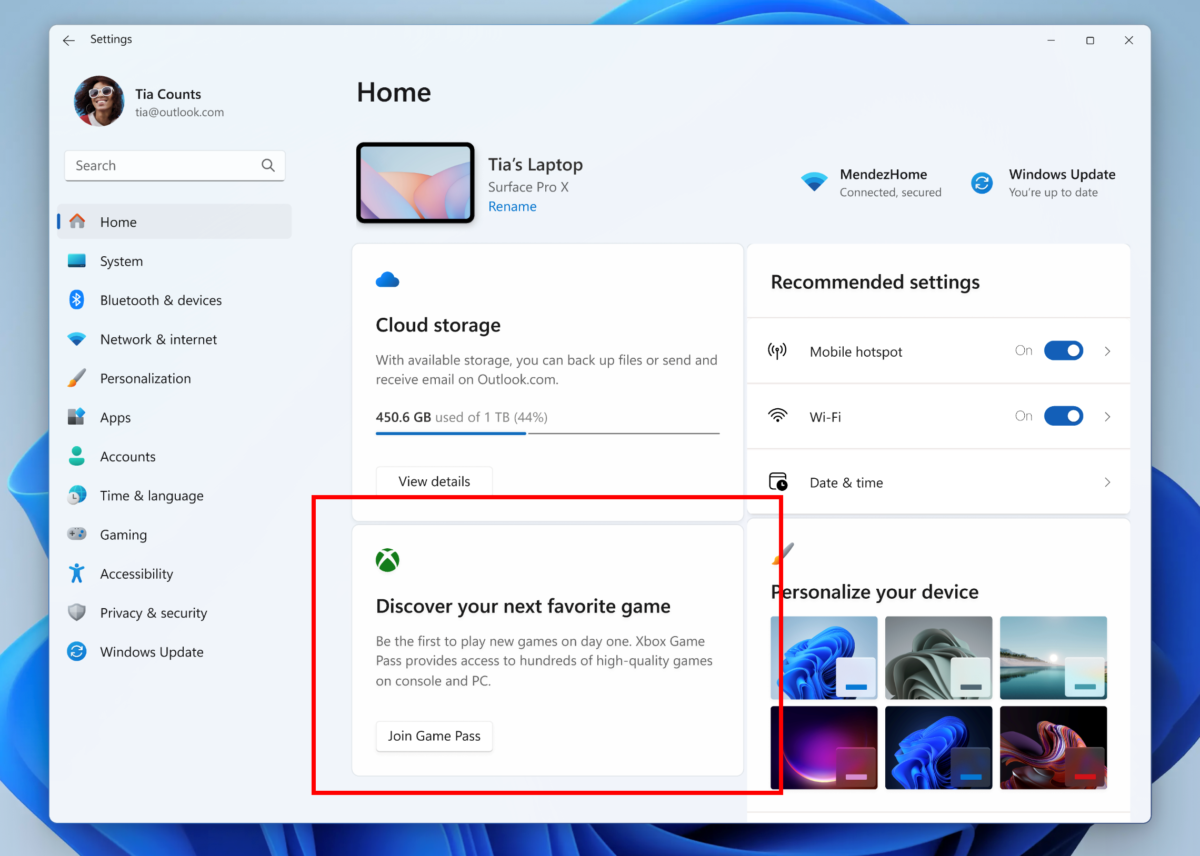
Microsoft is testing Game Pass ads on the Settings homepage
Microsoft is testing Game Pass ads on the Settings homepageRead more
-
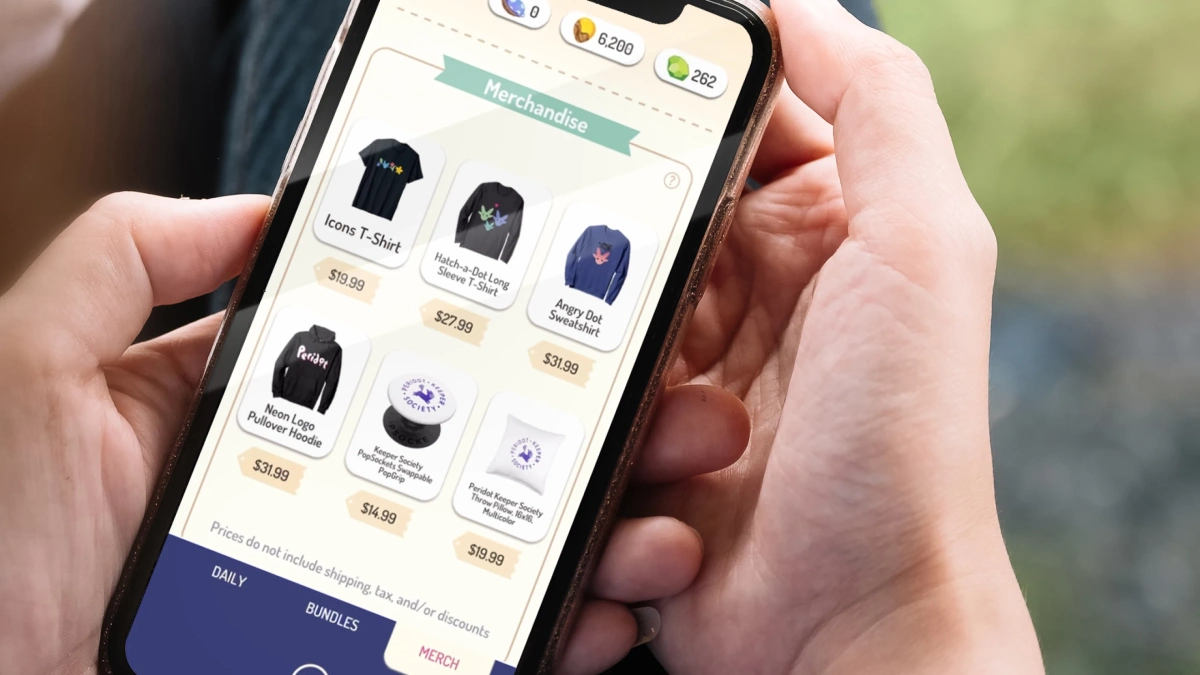
Amazon Discontinues TikTok-Style Inspire Shopping Feed
Amazon Discontinues TikTok-Style Inspire Shopping FeedRead more
-
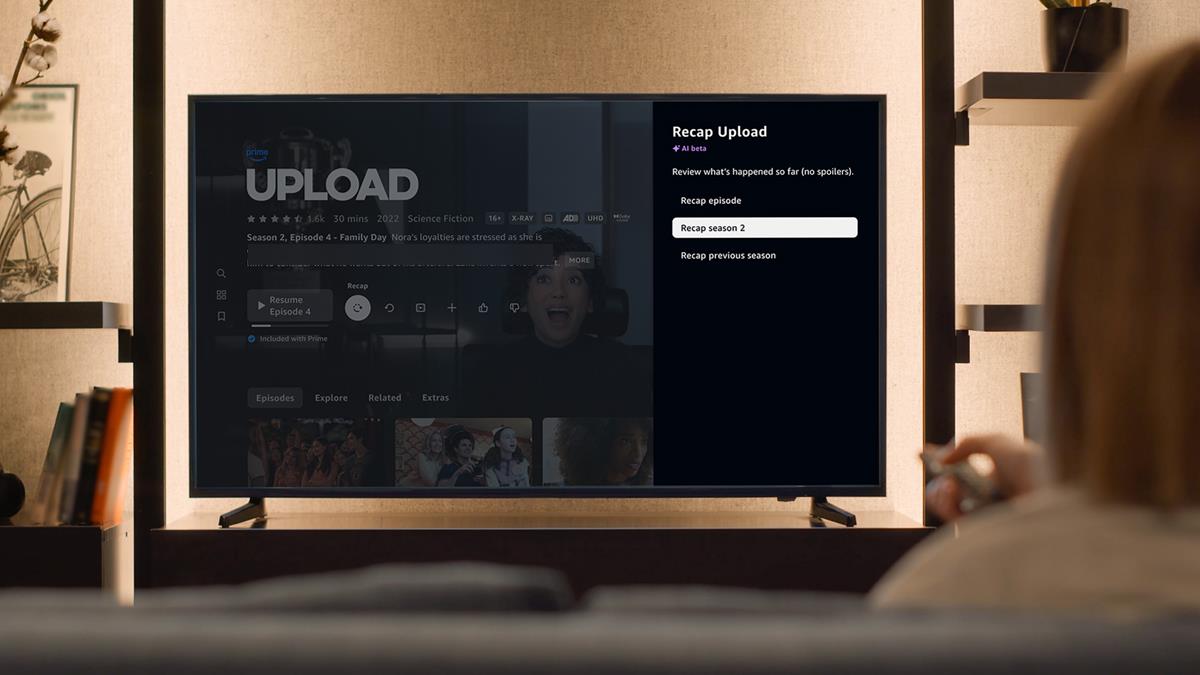
Amazon: just getting started with Prime Video ads, highlights interactive advertisement
Amazon: just getting started with Prime Video ads, highlights interactive advertisementRead more
-
iPadOS 19 will reportedly be more like macOS
iPadOS 19 will reportedly be more like macOSRead more